GPSLog Labs Blog

GPSLog Labs Blog

Jan 11 / 2:10am

Segmenting your activity using route checkpoints

Checkpoints are a powerful GPSLog Labs feature for analysing your activity, they can:

  • Split activity into segments for comparison, without affecting the other statistics such as overall mileage and duration.

    This would not be the case if additional places were created as extra activity records would be created.

  • Compare your performance on a segment (such as a hill climb) for different routes.

  • Checkpoints are assigned on a route by route basis so they only cut the activity of interest.

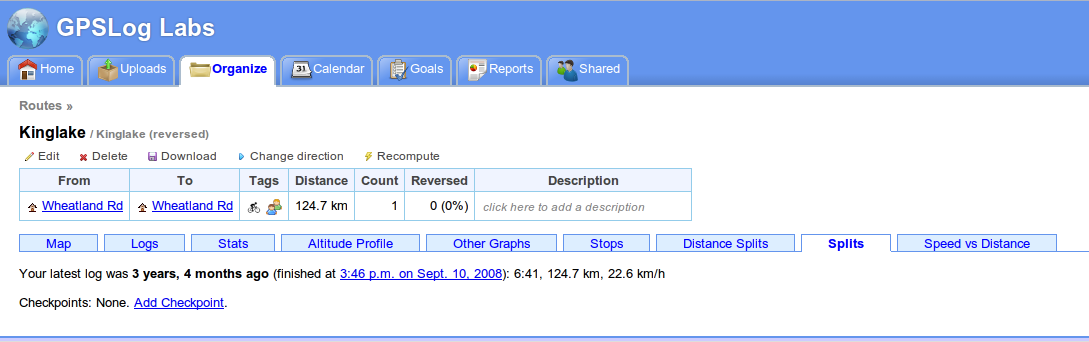
The easiest way to explain how checkpoints work is to run though a few examples: Once you've uploaded some activity to GPSLog Labs, you next need to assign a route to the activity. Once that's done, you can go to the Splits tab of the route detail page and click the Add Checkpoint link.

Route-splits

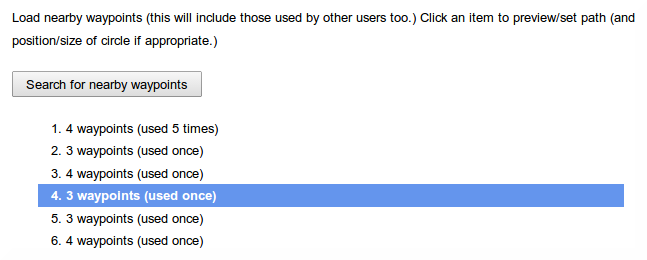
Then, create a new checkpoint by clicking on a point on the map or a stop on the log file. 

1

Checkpoints work just like places. The activity inside the circle will be ignored, and the circle has to be big enough for all the logs to pass through it, otherwise they won't be recognised.

2

After saving checkpoints at the beginning and end of the climbs, the route map now looks like this:

3

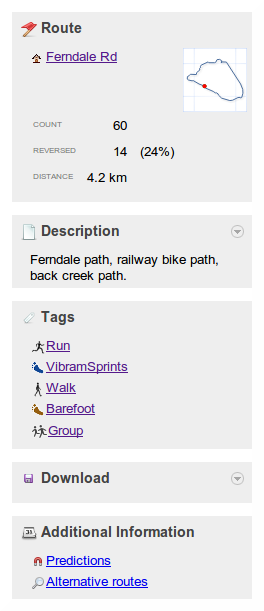
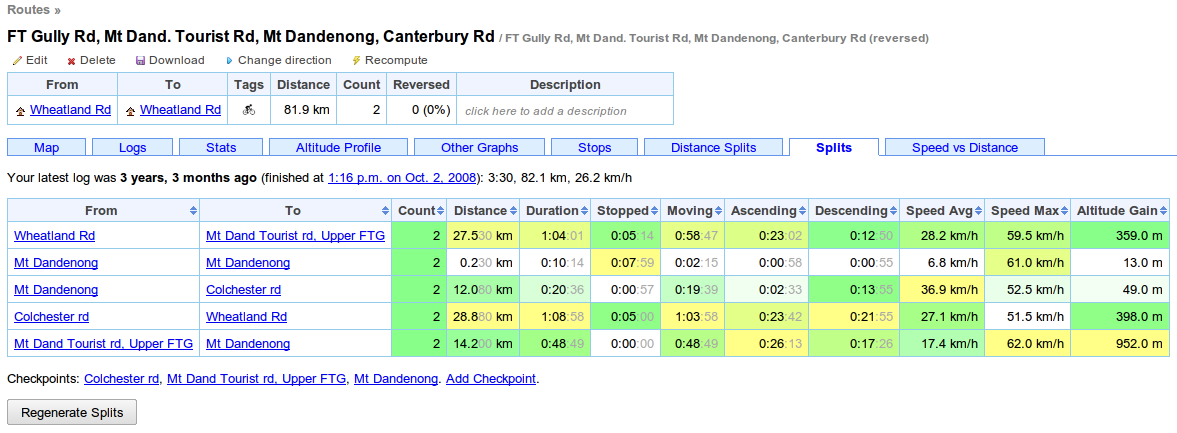
On the route detail Splits tab, a summary of the splits is displayed. 

4
You may need to click the "Regenerate Splits" button, which will reprocess all the activity with the new checkpoints. This may take some time, so there's an equivalent button on the activity detail page's Splits tab that will reprocess only a single activity.

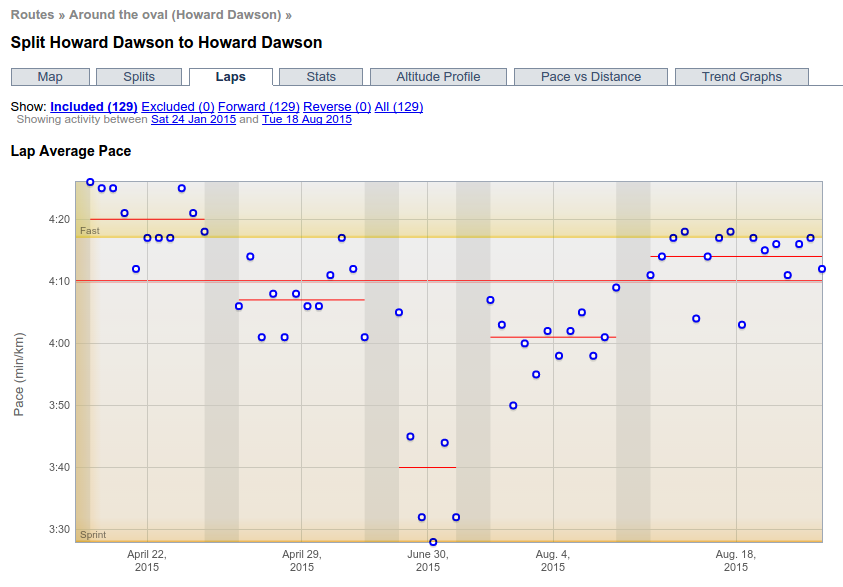
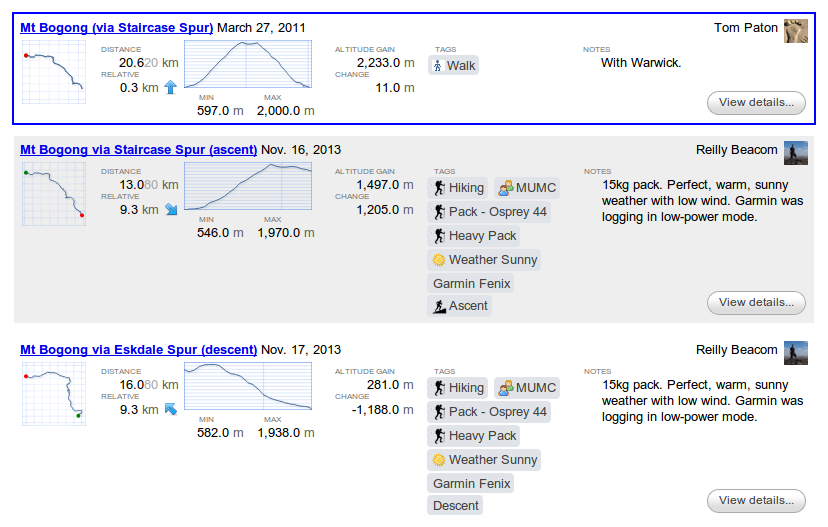
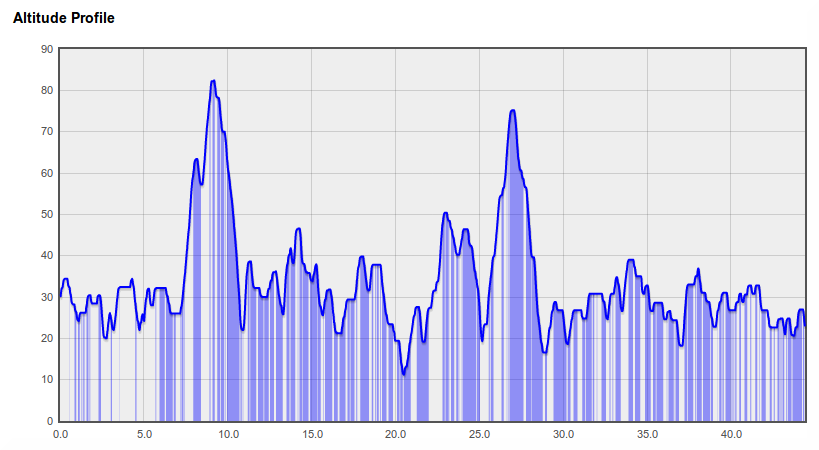
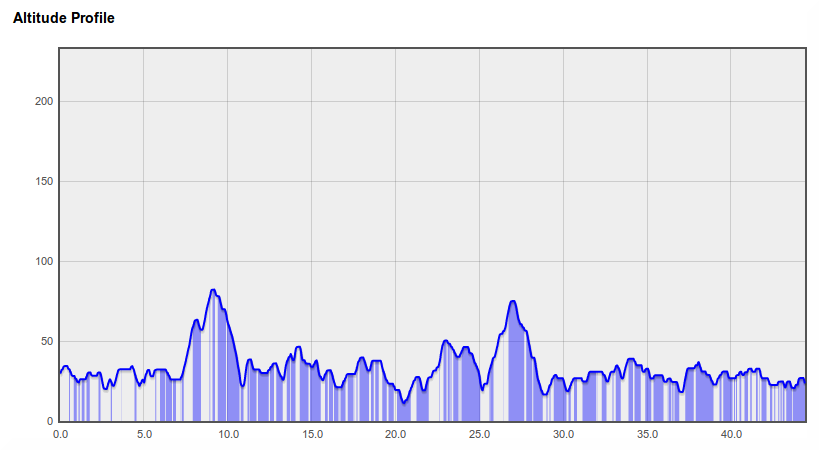
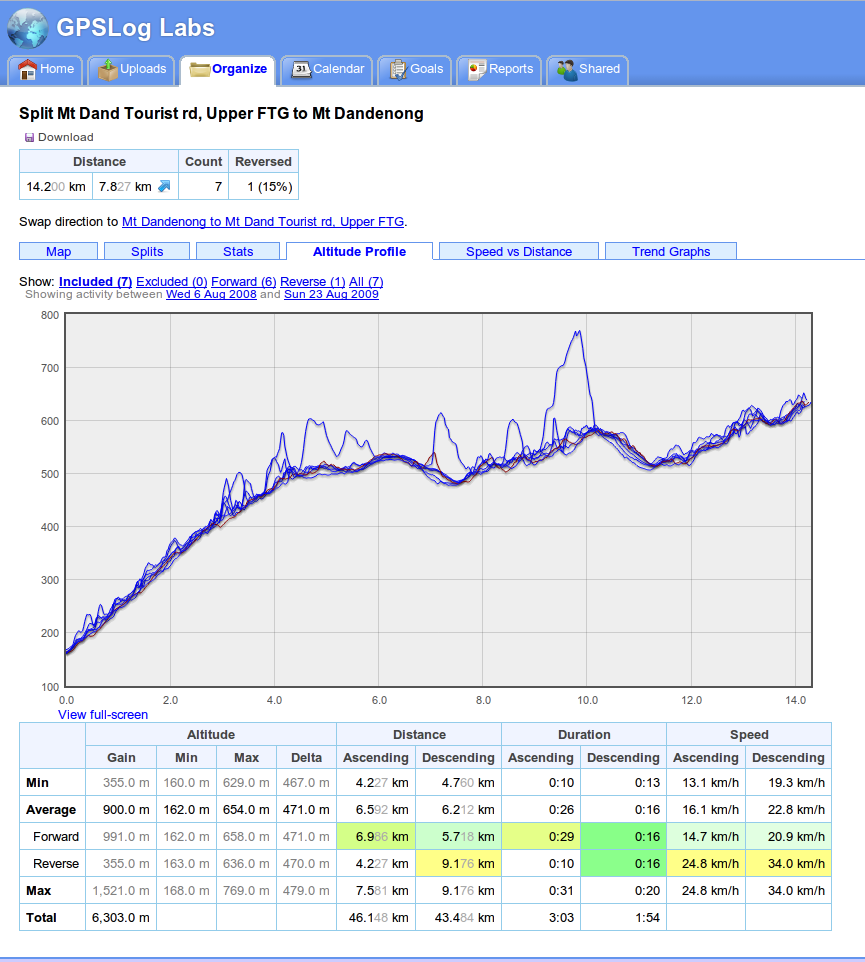
Clicking on the From or To checkpoint will bring up the split detail page. This page combines activity in both directions along the segment and lets you see maps, altitude profiles, trend graphs and other stats.

(download)

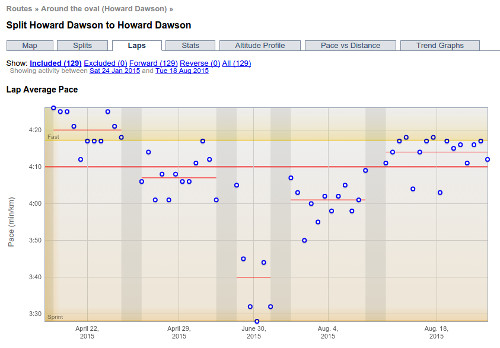
Checkpoints can be used to analyse short segments too, such as laps around an oval, or runs up and down a mountain (skiing or mountain biking, for example.)

8

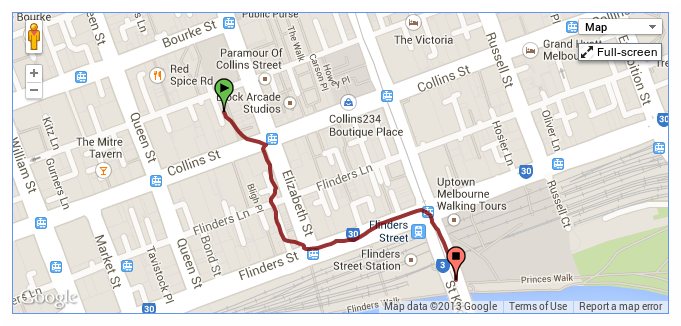
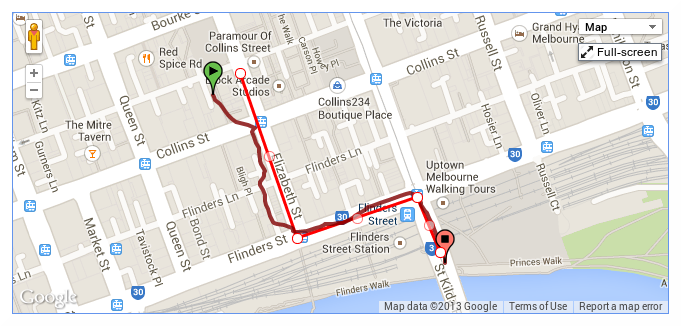
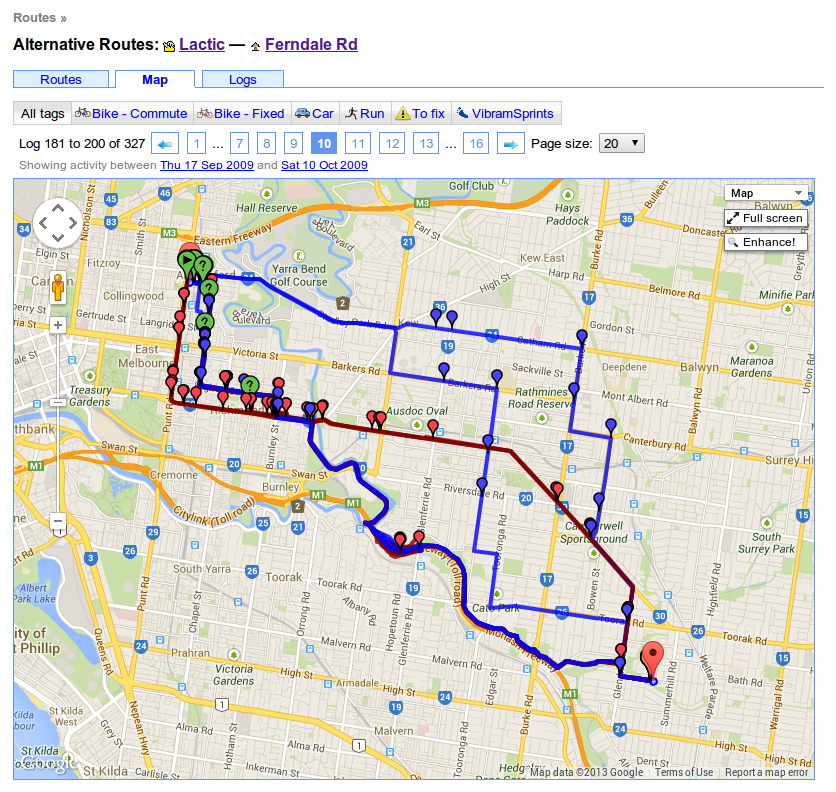
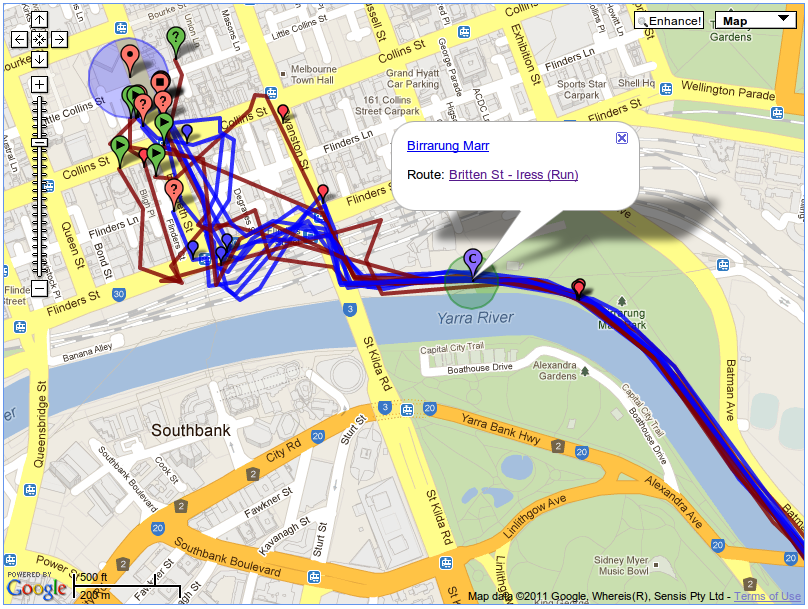
Another use is chopping off the ragged ends of a run, like in the following example where, when entering the city, the GPS signal becomes unreliable. By adding a checkpoint at the end of the path I can avoid the messy log file and also the disruption to my times caused by traffic lights and pedestrians.

9

This is a tricky area of the site to describe, but it's really useful, so have a play with it and if you have any questions, please let me know.

Filed under  //  checkpoints   documentation   routes   segments   splits  
Apr 12 / 4:34am

Less tabs is more

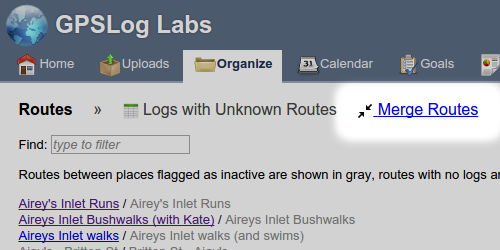
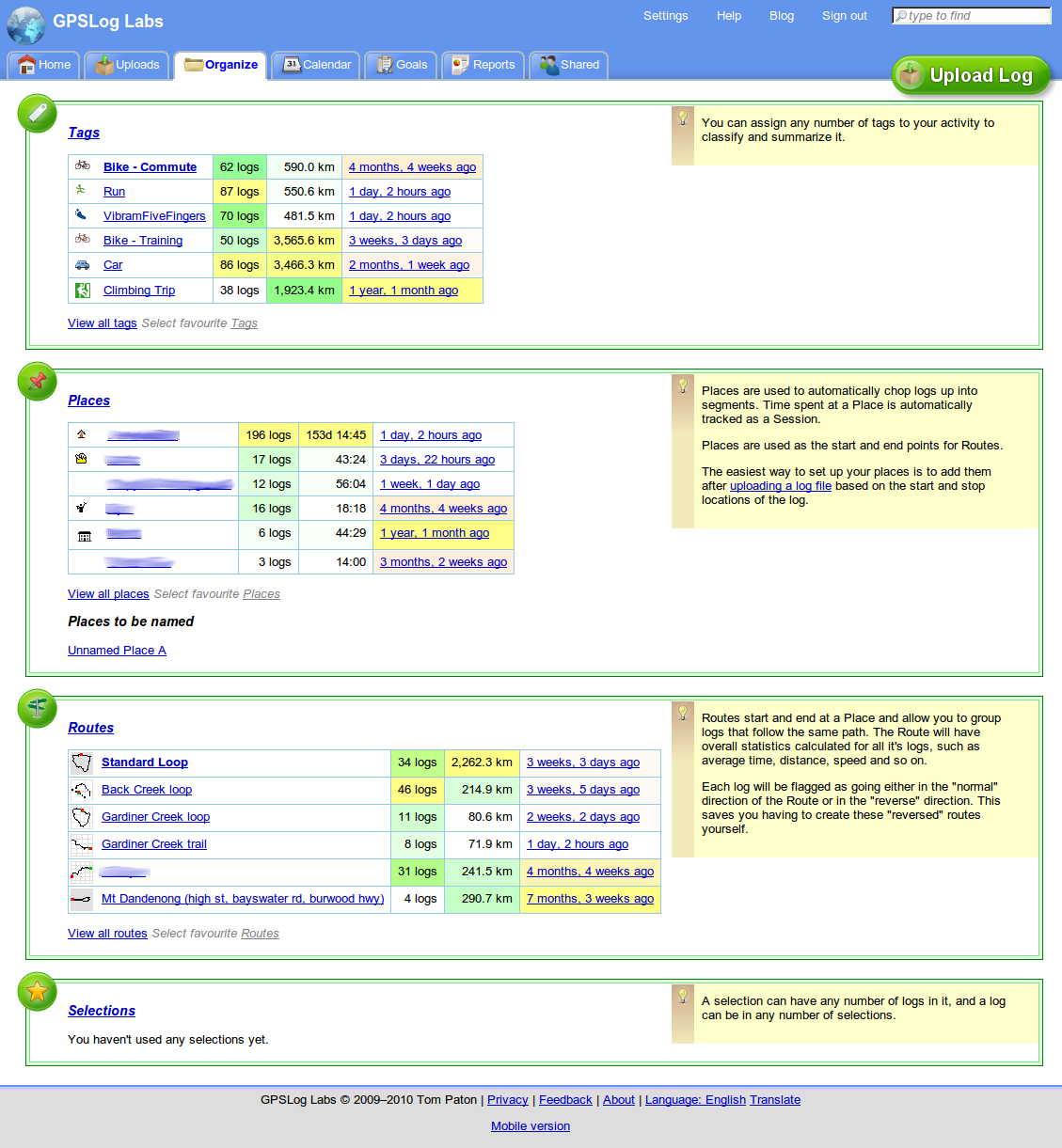
GPSLog Labs has a new "Organize" tab, this is a page that will show your most important and relevant tags, places, routes and selections for quick and easy access.

Screenshot-organize-tab-1

You can get to all of the information that was on the old Tags, Places, Routes and Selections tabs from the new tab so they've been removed.

The "importance" algorithm tries to weigh up the number of times the item has been used, the total distance and how recent the last activity was.  This won't work perfectly, so you can choose to "pin" your favourite items to the top of the list for quick access.

-- Tom

Filed under  //  changelog   organize   places   routes   selections   tags  
Nov 15 / 1:15am

Fancy route selection dialog

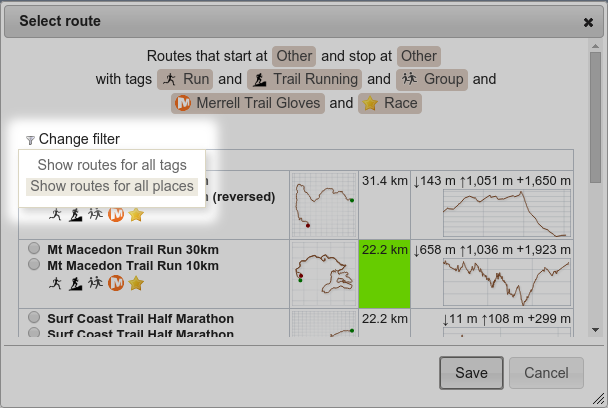
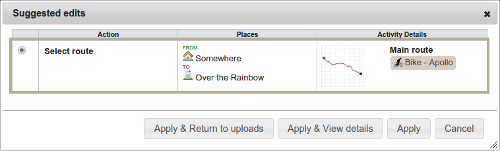
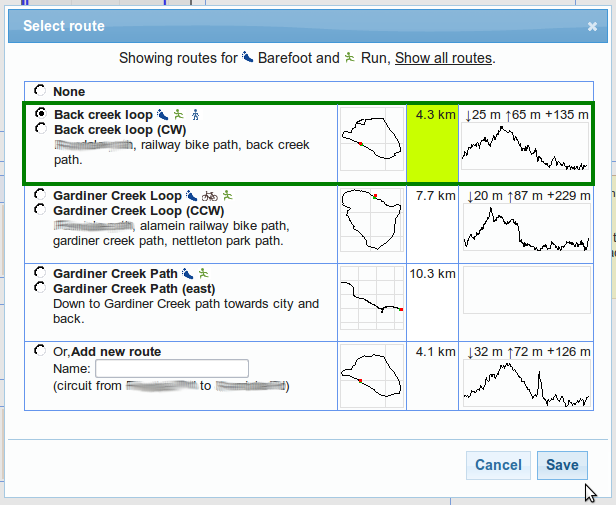
I've just updated the select route dialog when editing the processed activity for an uploaded log to make it nice and graphical, instead of an unclear dropdown list:

Screenshot_-_route_select

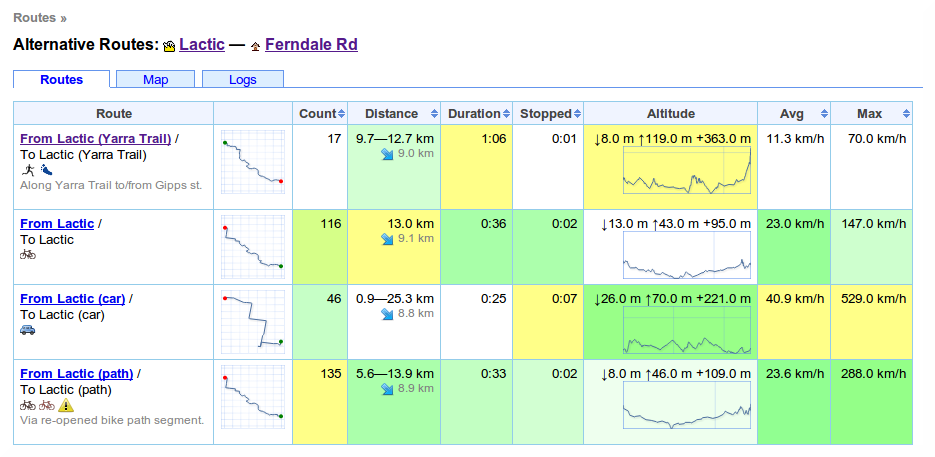
This will show the thumbnails for each route to help identify them, and also highlight in green the routes that are closest in length to the logged activity.

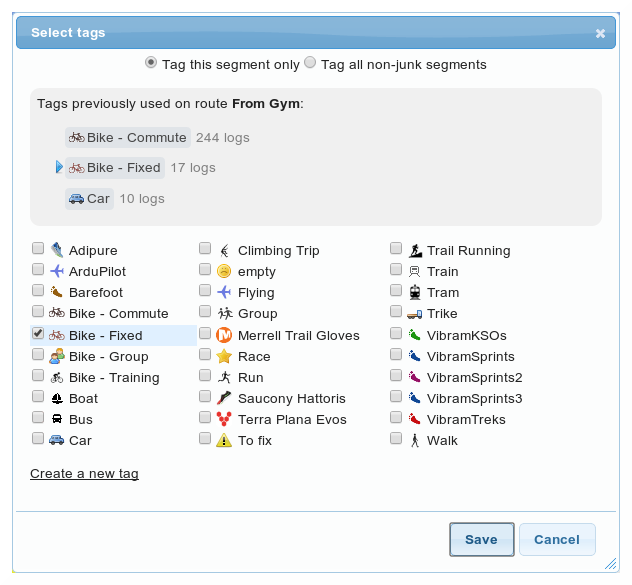
If you've assigned tags to the activity, the possible routes will be filtered.  You can click the Show all routes link if you need to see other routes.

-- Tom

Filed under  //  changelog   routes  
Nov 14 / 1:25am

Tag and route inference

GPSLog Labs has always made some basic attempts to automatically assign a route for a log segment if it can:
  • If there is a single route between the start and end places of the log it will be assigned automatically.
  • If there are no routes between the start and end places, one will be automatically created and assigned.
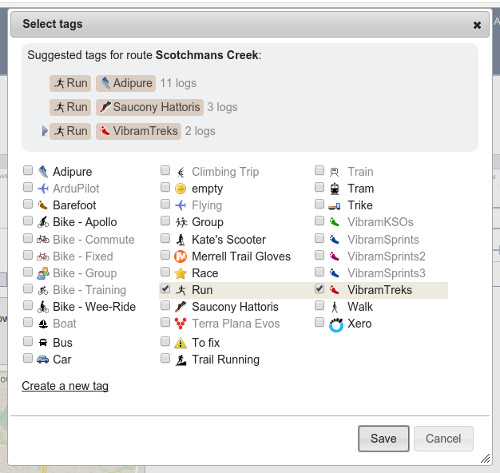
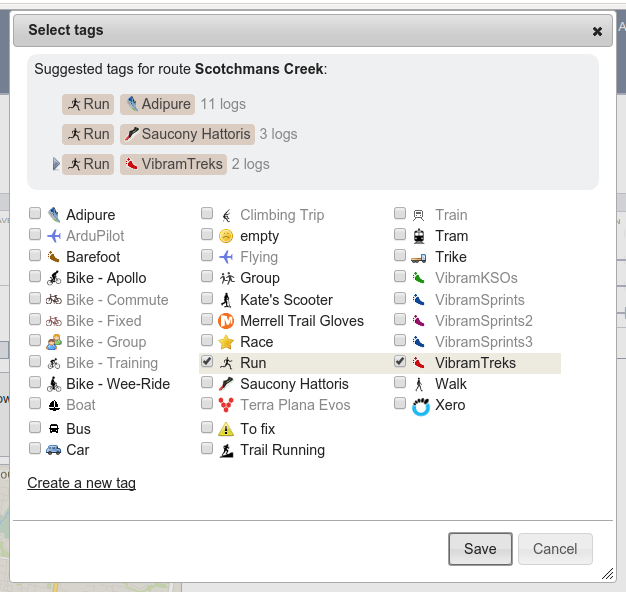
And now I've just added an experimental feature that will try to guess the route after you assign a tag.  This is useful in those cases where you have 2 (or more) routes between places, say one by car and one by bike.  The above automatic assignment won't work in these cases, but if you tell it whether it was by bike or car by tagging the route, it will look again for routes using only the assigned tags.

This works in reverse too, if you assign a route that always has a particular tag associated with it, then the tag will be automatically filled in too.

So, it'll vary depending on your setup, but you should be able to select the route in many cases and have the tags automatically assigned and select the tag in other cases to have the route automatically assigned.

Let me know if you come across any issues with this change, and hopefully it makes things a little easier.

-- Tom

Filed under  //  changelog   routes   tags   tips  
Aug 23 / 10:45pm

Route wind effect prediction

There's a new Wind Effect graph on the GPSLog Labs route details Other Graphs tab.

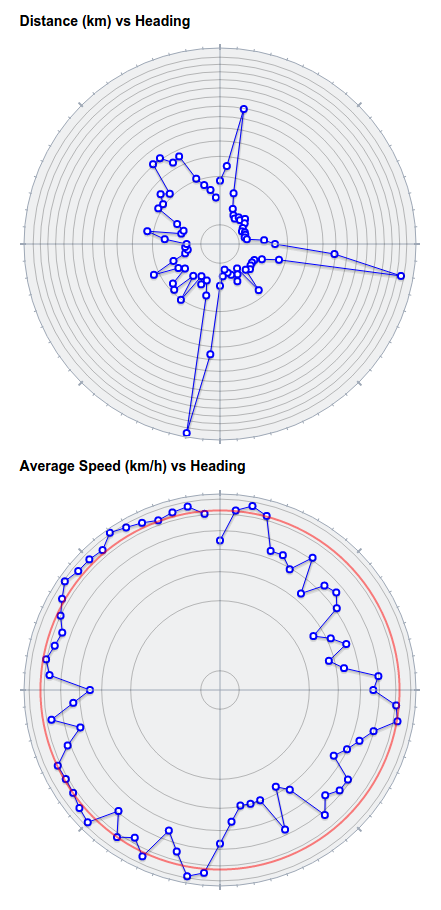
This graph attempts to quantify the effects of wind from different directions on logs along a route. It is intended to assist you to choose a route when bike riding (either to minimise the effect of the wind or to maximise it if you're keen!)

There are 4 lines plotting the relative effect on the overall average speed for the route for different wind strengths. The units are relative and indicative only.

For example, for a log such as the following (predominantly traveling in an east-west and west-east direction):

Route-wind-effect-1a

The computed Wind Effect indicates that the greatest effect will be when the the wind is from the east or west, and the minimum when the wind is from the north or south:

Route-wind-effect-1b

For a route which has a less symmetrical profile, with long sections traveling east and south:

Route-wind-effect-2a

The computed wind effect is more even, but there is a definite advantage when the wind is coming from the west:

Route-wind-effect-2b

The wind model used is pretty primitive and assumes that a headwind has the same effect on your speed as a tailwind, but it's better than nothing.  If anyone knows of any more sophisticated models that could be used, I'd be happy to look into it.

-- Tom

Filed under  //  bike   changelog   graphs   routes   wind  
Aug 23 / 5:35am

Distance split comparison table for routes

I've added a new tab to the route detail page in GPSLog Labs that compares the distance splits for all logs in the route.

Route-dist-splits

This allows you to see the speeds over each section of the route for each log.  Each column is coloured to indicated min/avg/max in white/green/yellow respectively.  This allows logs that are faster or slower than normal to be easily identified.

For routes that display pace instead of speed, the pace over 1km (or mile) is displayed, i.e. for longer splits, it is not the time to cover the whole split distance.

-- Tom

Filed under  //  changelog   routes   splits   stats