GPSLog Labs Blog

GPSLog Labs Blog

May 7 / 6:18pm

Updates for May 8th

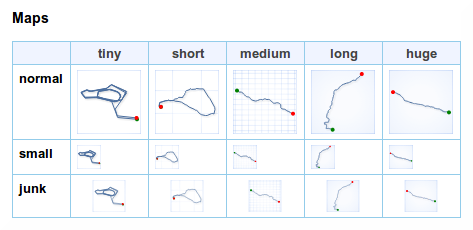
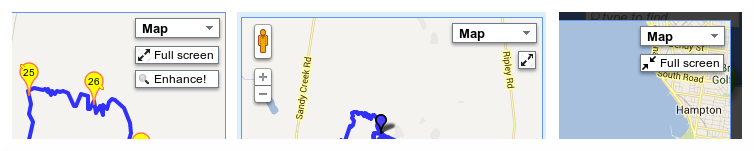
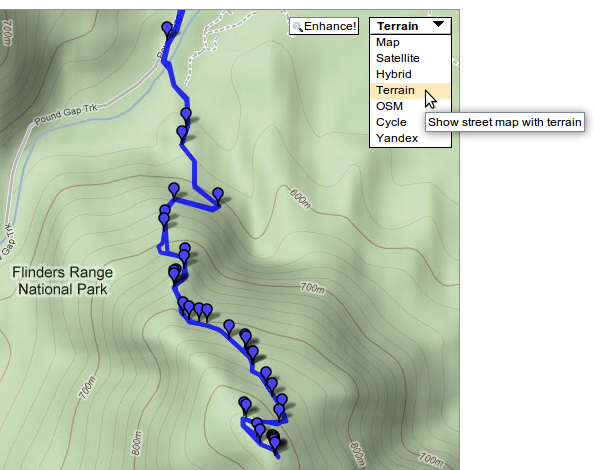
The maps have been improved throughout GPSLog Labs and now use a drop-down menu to choose the map type.  This means there is room for more types of maps including the "Terrain" map:

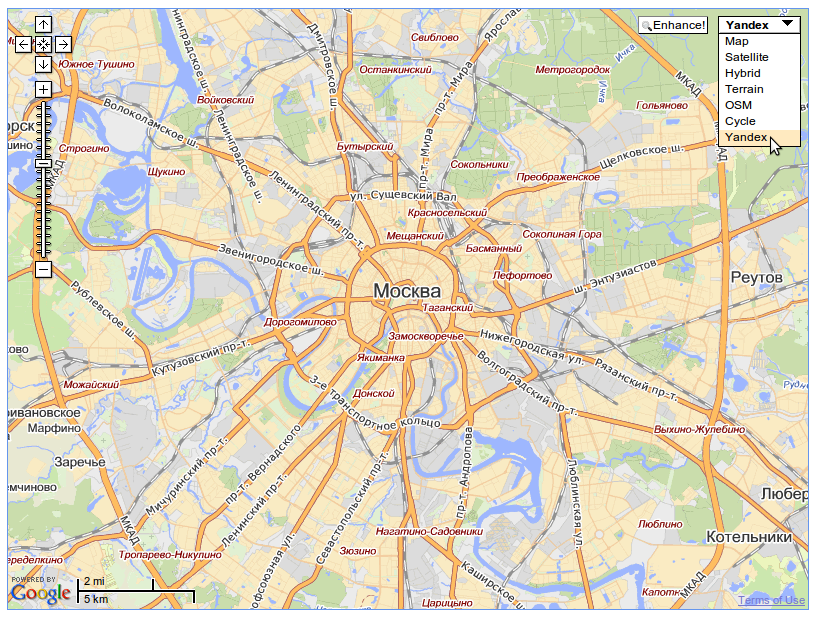
I've also added support for the Yandex maps which will help those of you in Russia (thanks Vitaly) and the map type will also be remembered now, so you won't need to select it every time if you want to use something other than the Google maps.

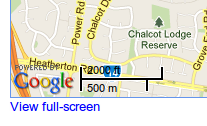
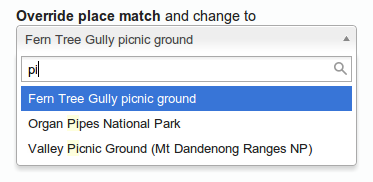
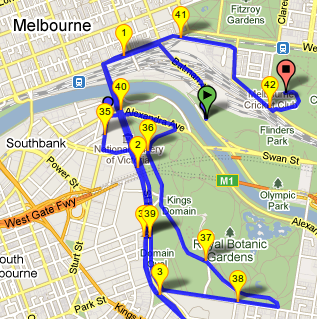
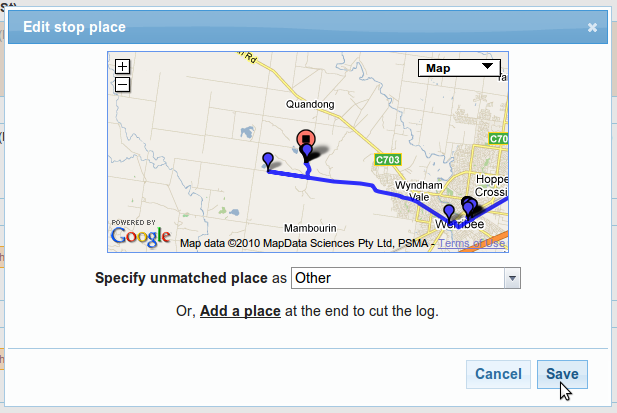
"Hint" maps have been added to the place selection pop-ups when you're editing a log file to help identify where the log finishes:

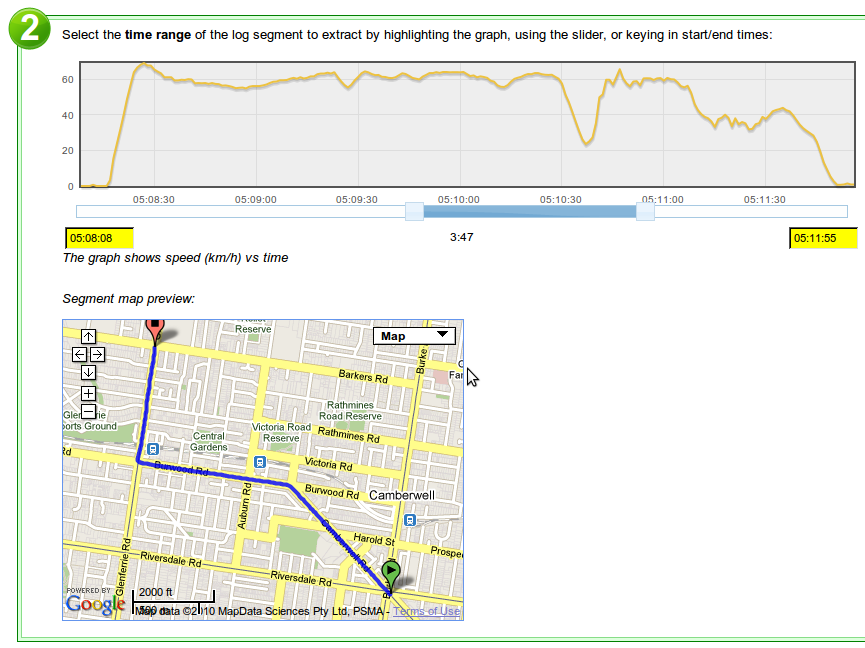
There is now a preview map when you are manually creating a segment:

-- Tom

Filed under // changelog maps

Comments (1)

Mar 17 / 3:41am

OpenStreetMap tiles

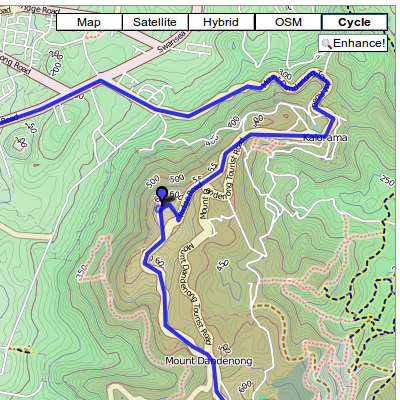
You can choose what kind of map you want to display on the GPSLog Labs maps as they now support the OpenStreetMap and OpenStreetMap bicycle map tiles.

This should help those of you in parts of the world not covered very well by the Google Maps, and with OpenStreetMap, if there's something not quite right, you can upload your GPS file and make the map better.

The bicycle maps include lots of features to help you out if your a cyclist, including parking, bike lanes and contour lines and colouring to indicate hills.

Tom

Comments (0)

Feb 9 / 11:17pm

Embedding maps and graphs in your site

In addition to sharing GPSLog Labs content via Twitter, Facebook, email and IM, another option is to embed maps and graphs of your activity in your own website.

To do this, you'll need to enable sharing for the content and then you'll be provided with a snippet of HTML you can cut and paste into your own website.

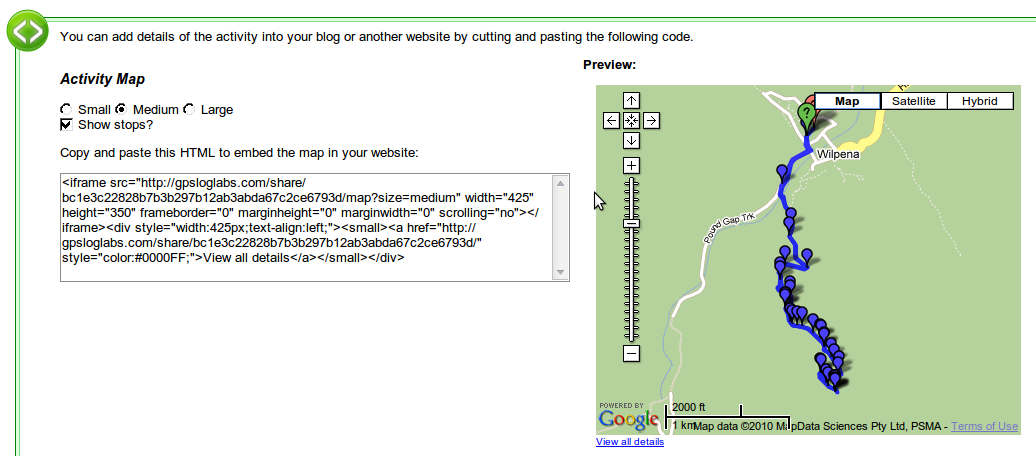
For example, to embed a map, you'll see the following on the Share Log page:

You can customize the size of your map and the whether you want stop icons to be drawn or not.  You'll see a preview on the right and when you're happy with it you can cut the generated HTML code and paste it into your website. To embed a graph of your activity, follow the same steps.

Tip: It is possible to customize the size of the embedded map if the standard sizes are not appropriate by editing the HTML and adding &width=1234&height=1234 to the iframe src url, and also updating it's width and height attributes to match.

Note that if you Disable sharing for your activity, it will no longer be visible on your site, even if you re-enable sharing again as the secret URL will be different.

-- Tom

Comments (0)

Feb 8 / 3:31am

Sharing your logs

By default all the activity you upload to GPSLog Labs is private and visible only to you.

If you want to share maps and graphs of your activity with your friends click the Share button to enable sharing:

Then click the Enable sharing button:

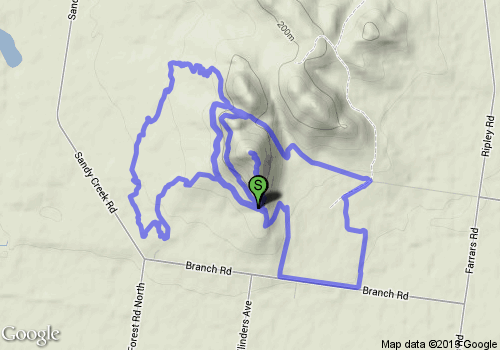
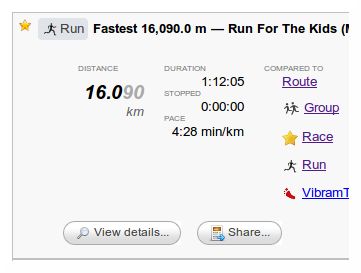
This will generate a publicly accessible detail page:

Which will look like this (actual link):


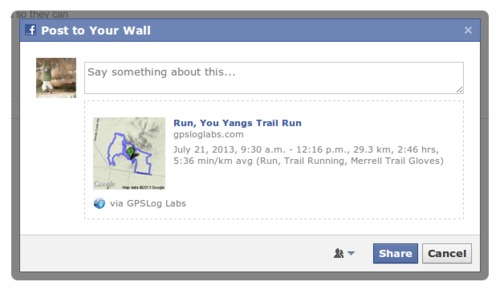
You can share the URL to this page on Twitter, Facebook, email, IM or wherever you like, for example, clicking the Share on Facebook link will open a window which will let you customize a message and publish a link to your activity on your Wall:

At any time, you can click the Disable sharing button to hide the activity if you change your mind.

Any shared content will be indicated by a "sharing" icon 

and will be listed on the Shared tab so you can review it.

I'll be adding the ability to share more kinds of content soon but if you have anything you'd like to see in particular, please let me know.

-- Tom

Comments (0)

Jan 23 / 10:15pm

New Itinerary view

The day and week calendar views of your activity on GPSLog Labs now have a new Itinerary tab.  This isn't the best name, as it shows what you did, not what you plan to do, but you get the idea.

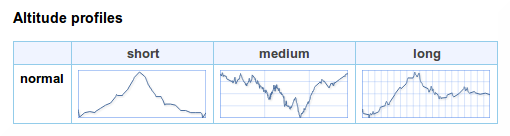
In this view, all activity (and sessions) are displayed one under another with their own maps and altitude profile graphs.  

Having their own maps means that short activity isn't invisible at the scale required to show longer activity.

-- Tom

Filed under // changelog itinerary maps

Comments (0)

Aug 12 / 9:50pm

Map controls

There are a couple of not so obvious features on the maps that GPSLog Labs uses.

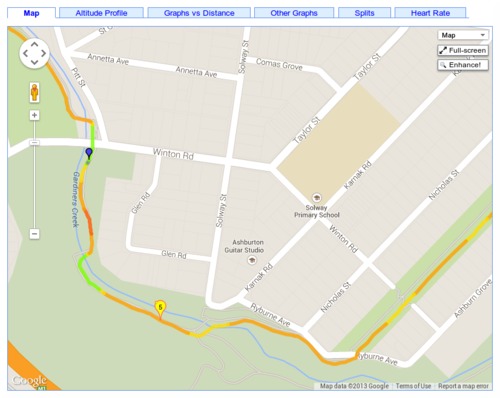
For speed reasons, the maps that are drawn have been "simplified", i.e. the number of points in the track has been reduced to speed up drawing and data transfer. 

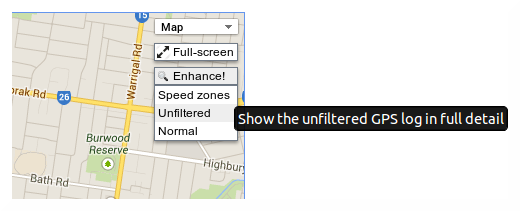
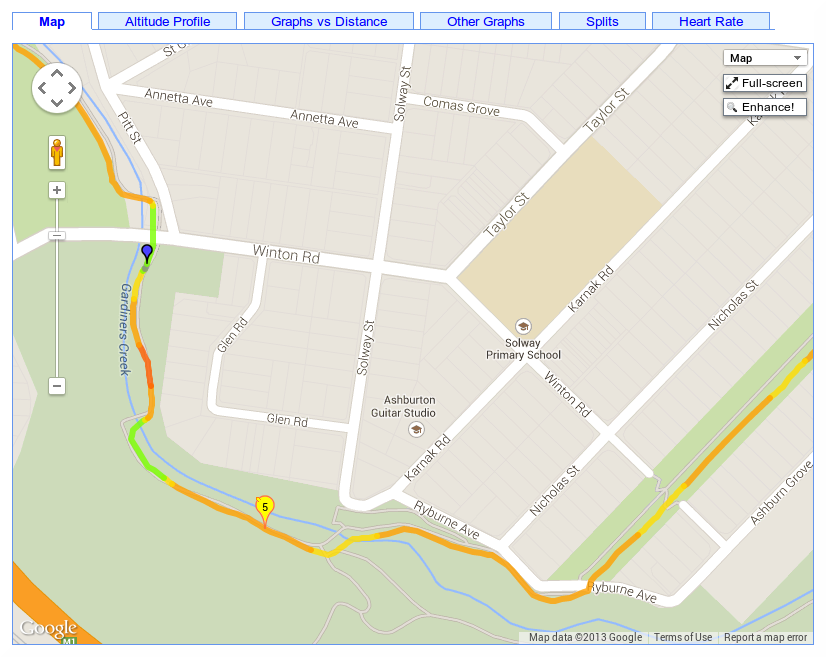
For most purposes, this will be fine, but if you want to zoom in and see the full detail of your track, there is a button on the map to "Enhance" the detail. 

This will reload the page with the full log data mapped for the region displayed in the map.  This means it's still pretty fast, but you can't pan too far or you'll need to click the enhance button again to reload more data.

Additionally, on the built in pan tool is a "return to the last result" button.  Clicking this will undo any zooming and panning you may have done and return the map to the original view when the page was loaded.

-- Tom

Filed under // changelog maps tips

Comments (0)

Aug 5 / 10:41pm

Internet Explorer 8 supported

After far to much trouble tracking down weird JavaScript errors and testing using an IE8 virtual machine, GPSLog Labs has been made IE8 compatible.  If you're using IE8 and still notice any issues with the graphs or maps, please let me know.

Tom

Filed under // graphs ie8 internetexplorer maps

Comments (1)