Updates for May 25th
As noted earlier, now that GPSLog Labs has been migrated to the new server and updated to newer library versions, there has finally been some time to add new features:
-
Sharing Routes between multiple places.
See the next post on Merging Routes for details.
-
View best efforts in crossfilter.
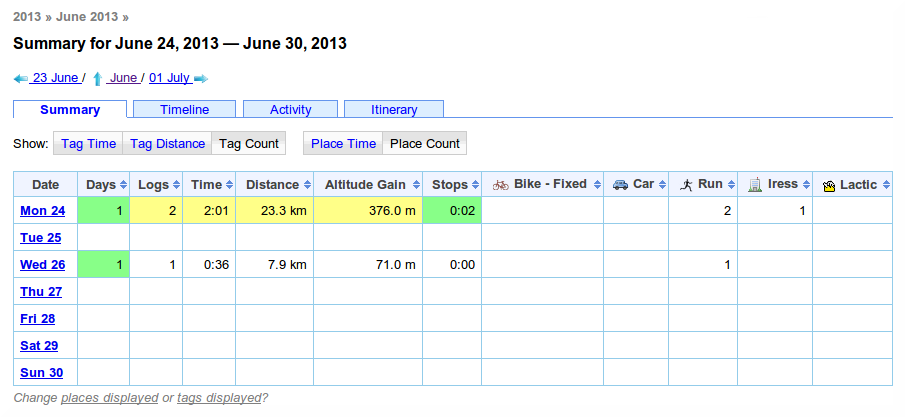
Tag crossfilters have got a bit more powerful and can now include best effort times.
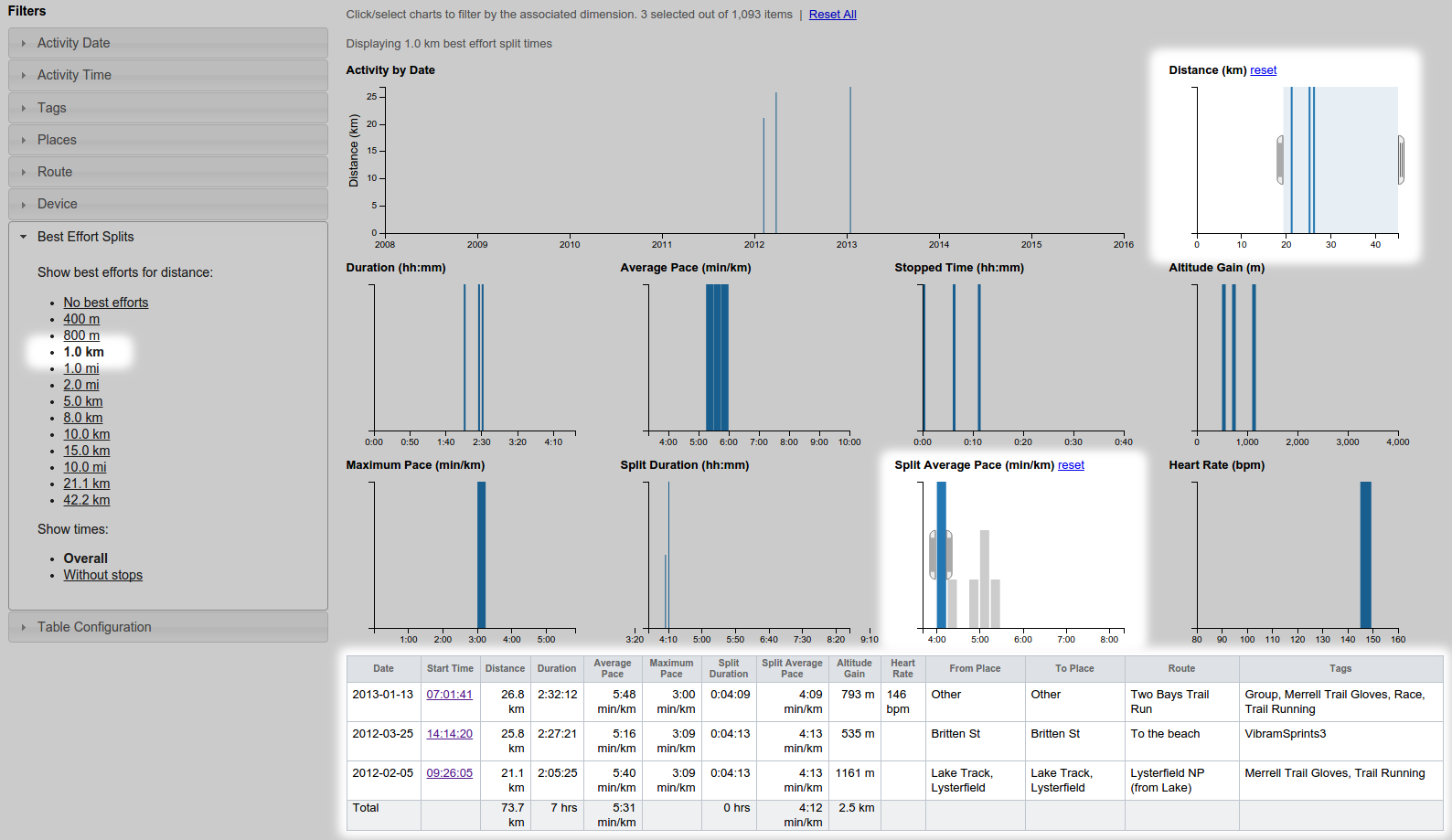
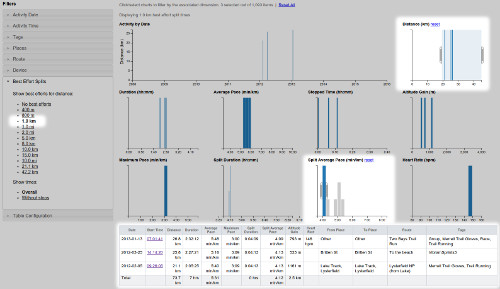
For example, to answer questions such as "what's the fastest I've run 1km when doing long runs?", select the distance from the Best Efforts Splits filter:
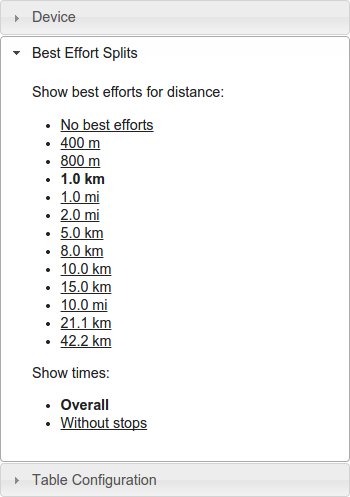
This will add Split Duration and Split Average Speed/Pace graphs to the dashboard and table:
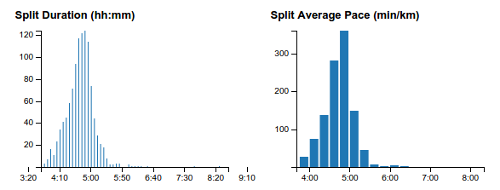
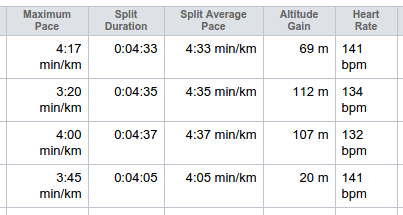
You can filter using the charts to select just "long" runs and "fast" best efforts:
-
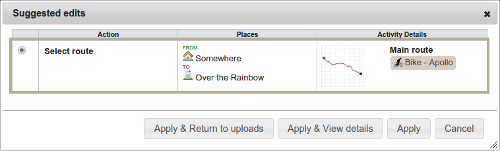
Suggested edits.
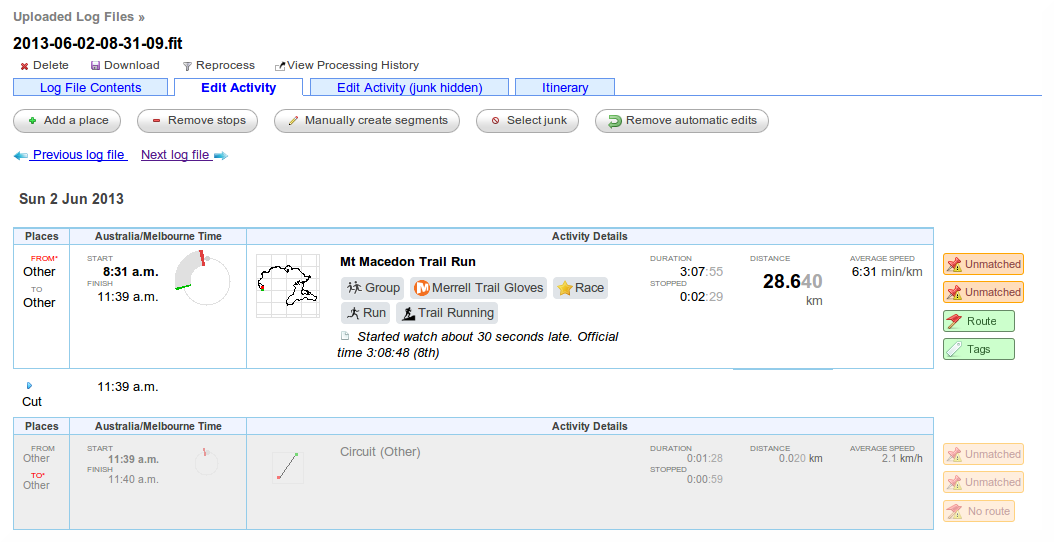
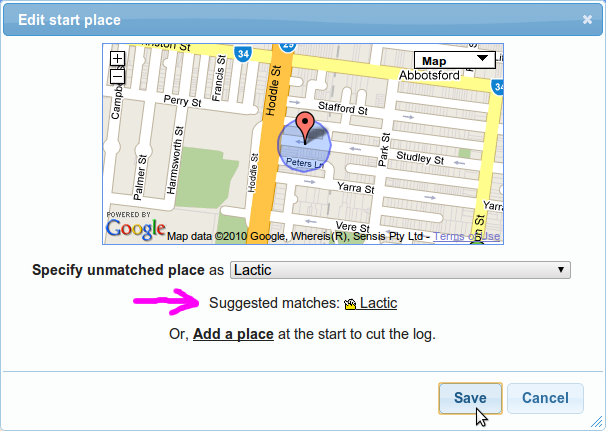
This one is a little experimental and I'll be refining it I'm sure. The idea is that GPSLog Labs will remember the edits you make to your uploaded activity (fixing unmatched places, assigning routes and tags) and speed up the editing process the next time by providing suggestions where it can.
When GPSLog Labs can provide a suggested edit, a button will be displayed next to the activity:
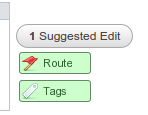
Selecting an option from the suggested edits will apply updates to the tags, route and start/stop places as necessary.
-
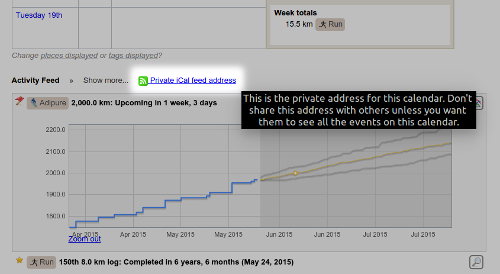
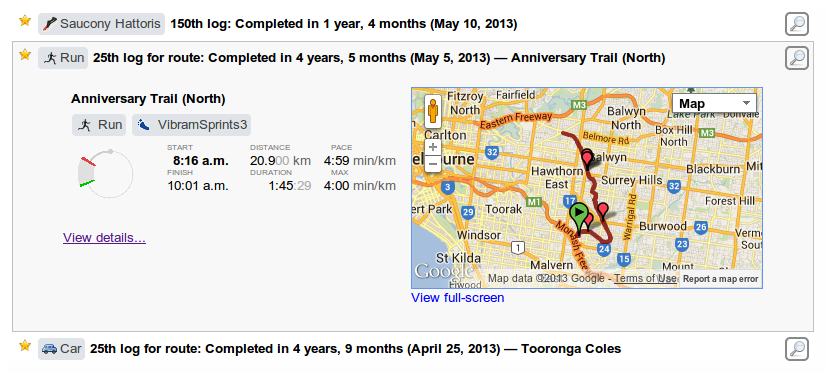
Activity feed projections iCal feed.
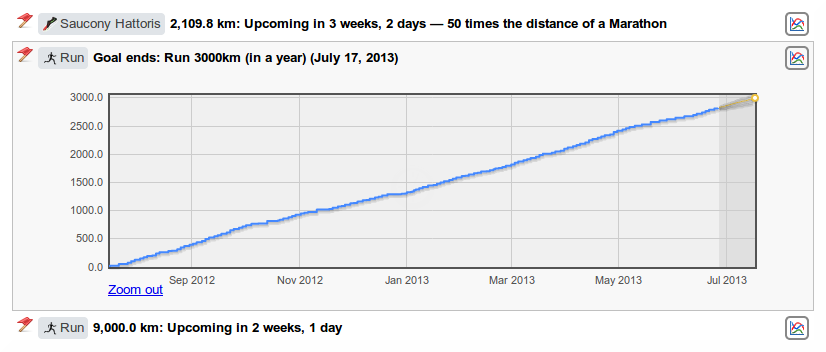
The Activity Feed on the home page displays dates you're projected to hit various milestones (distances, counts and goals) but it's pretty easy to overlook something interesting that's coming up.
Now there's an iCal feed url you can add into your calendar to see these projections on your phone or somewhere else convenient so you can get a little kick of motivation when you're about to pass the milestone.