Updates for October 4th
Plenty of things on GPSLog Labs have been slowly improving and it's about time that I mentioned a few of them:
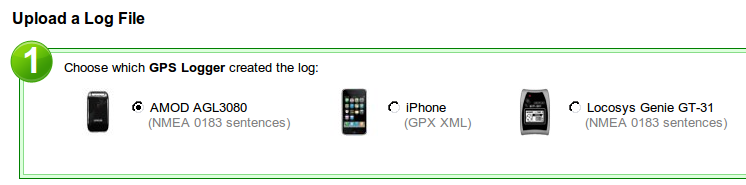
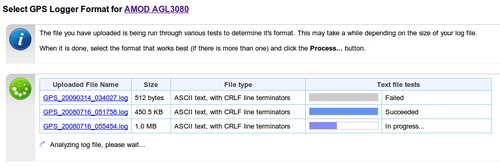
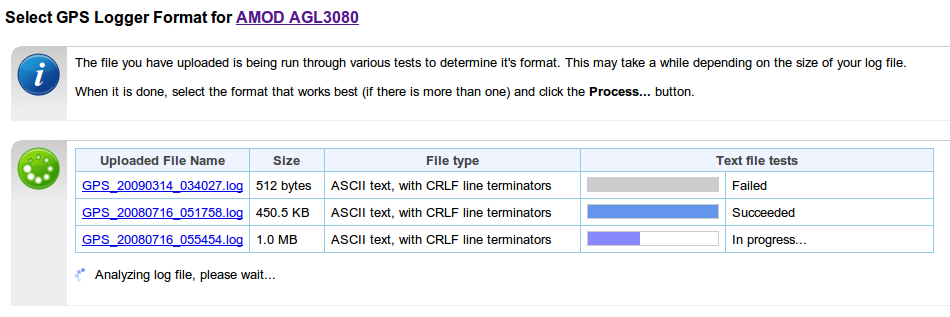
- The device format detection process has been made much more
robust and accurate and now has a new layout:
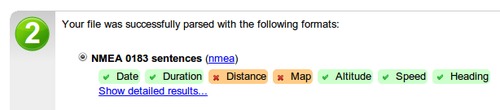
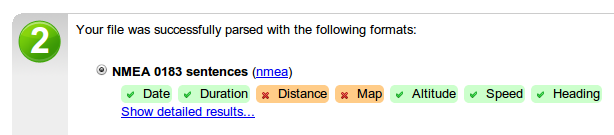
Once the file(s) has been analysed, a summary of the results is displayed:
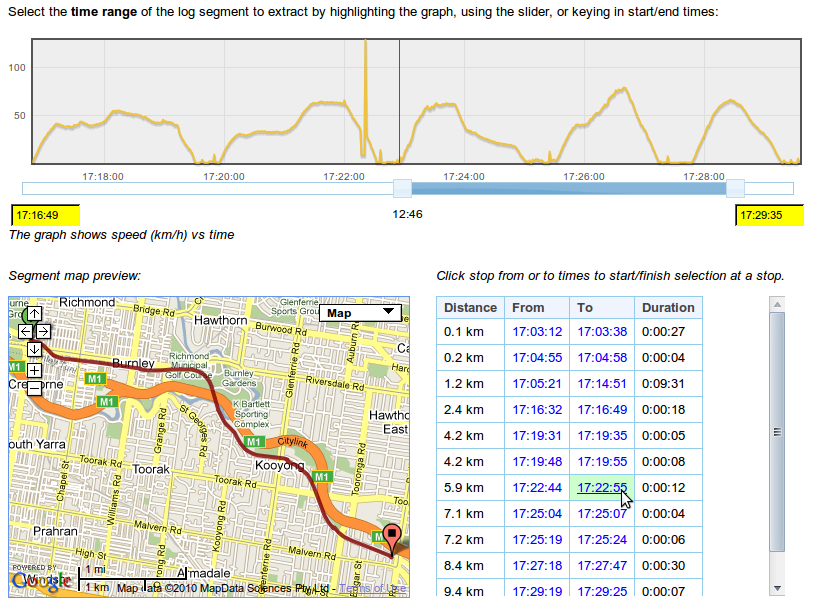
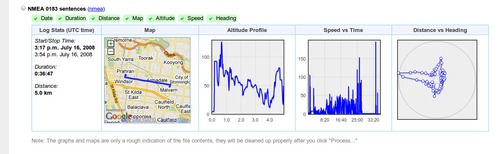
Maps and graphs can be displayed if this isn't enough:
Once a working format has been found, you can continue using the site:
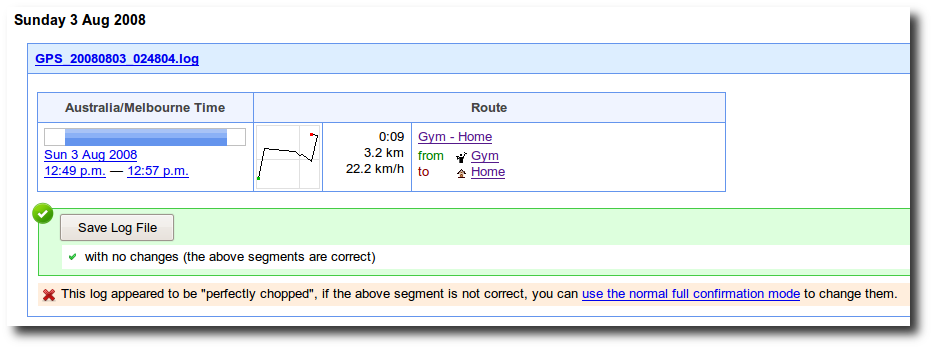
- Once a log is processed, there are now some illustrations on
the forms to indicate the purpose of the actions:
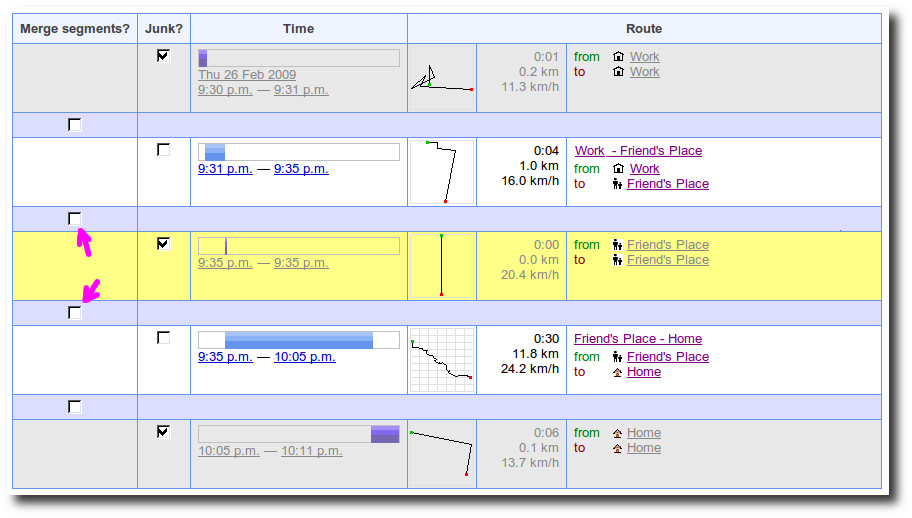
Merge two adjacent log segments by removing the "cut" between them

Remove a stop at a place and merge the adjacent segments into a single segment

- The /uploads/ pages have had their urls redesigned to make the "next log file", "previous log file" and "mark as done" links work much more reliably on the different tabs. This means you can stay on the "unedited uploads only" view as you edit and tag your uploads.
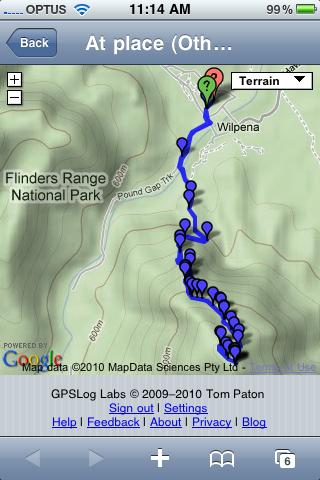
- You can now see a list of your shared activity using the mobile version of the site, also, map thumbnails have been added to the mobile view pages and there is a more obvious "view activity on map" button.
- Goals now support planning of your future activity. You can create tasks to plan out your training program and export these in iCalendar format so you can keep track of what your plans are from MS Exchange, Google Calendar, iCal or your phone.
- In addition to tasks, I've also added in a couple of training program templates that you can use to get started training for a marathon, half-marathon or a long distance cycling event such as the Around the Bay in a Day.

As always, I'd love to know what you think and hope you enjoy the site.